Set up in 5 minutes.How the AI Assistant works.
From setup to the first call. Your AI assistant is ready to use in just a few minutes.
The flow of a call
Step by step. From ringing to documentation
Greeting
A caller dials your number. Through call forwarding, SmartVoiceAssistant takes the call and greets the caller with your individual message.

Capture Request
The assistant conducts a natural conversation and captures the caller's request. It can also use specific smart tools to query structured data.

Appointment Booking
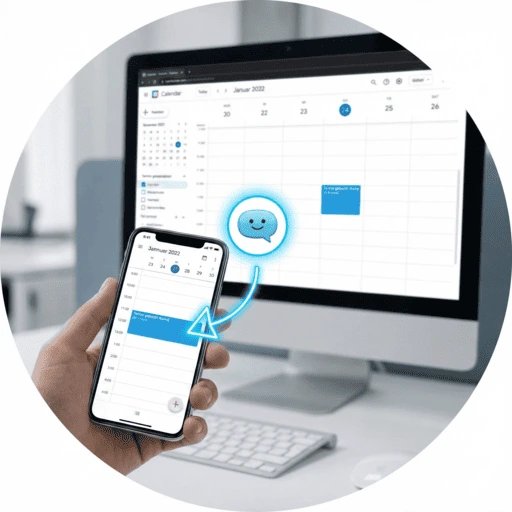
If desired, the assistant checks your availability in real time and books a suitable appointment directly in your calendar.
Intelligent Routing
For urgent matters or upon request, the assistant connects the caller directly with you or the responsible employee.

Notification
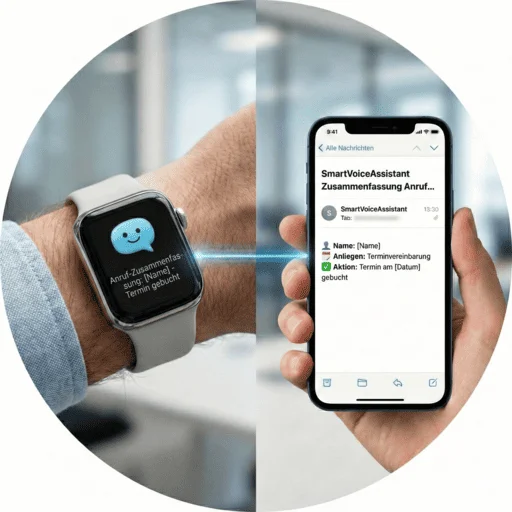
You immediately receive a structured summary via email or push notification with all relevant information.
Documentation
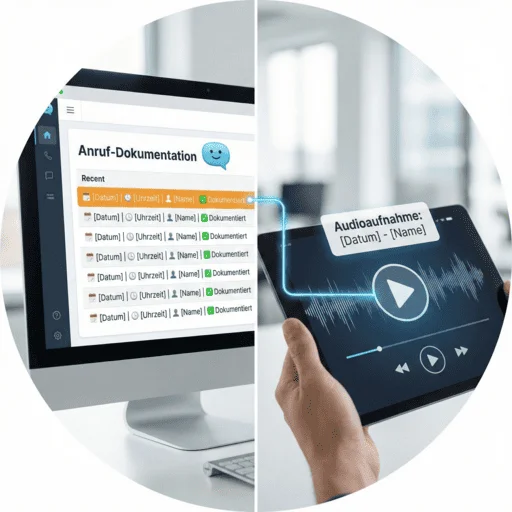
All conversations are automatically documented and are available in your dashboard at any time. Including audio recording if desired.
Practical example: Appointment scheduling
Tools allow your AI agents to precisely capture structured information like name, date, and type of appointment. This data is automatically saved and a confirmation email is sent. Completely without manual effort.
1. The Appointment Request
A patient calls and would like to schedule an appointment for a check-up for next week.
2. The Verification
The assistant checks your calendar (e.g., Doctolib, Google Calendar) for available times in real time and suggests suitable appointments.
3. The Confirmation
The appointment is firmly booked and the caller automatically receives an SMS or email with all details for confirmation.